


Job Sanity Checks
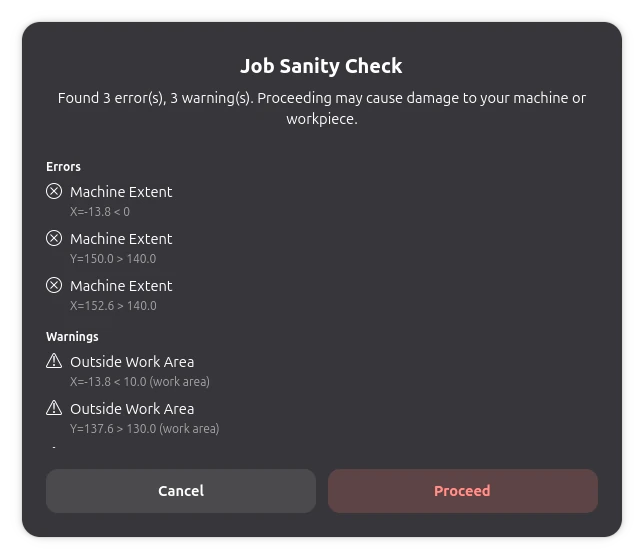
Before running or exporting a job, Rayforge automatically performs a set of sanity checks and presents the results in a structured dialog. This helps you catch problems early, before they become ruined material.
Performed Checks
- Machine extent violations: Geometry that extends beyond what your machine can physically reach, reported per axis and direction
- Workarea violations: Workpieces outside the configured workarea boundaries
- No-go zone collisions: Toolpaths passing through enabled no-go zones
Each check produces at most one issue per unique violation, keeping the dialog readable even for complex projects. The dialog distinguishes between errors and warnings, and you can review everything before deciding whether to proceed.
Related Pages
- No-Go Zones - Define restricted areas on the work surface
- 3D View - 3D toolpath visualization