


Supported Devices
Rayforge works with a wide range of laser cutters, engravers, and controllers. Below are the built-in device profiles — pick one that matches your machine or use a generic profile for custom builds.
GRBL
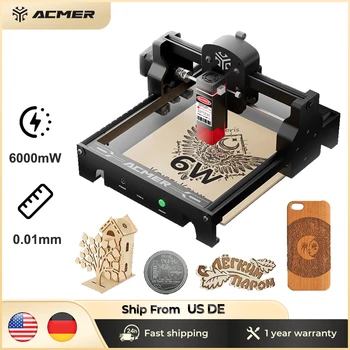
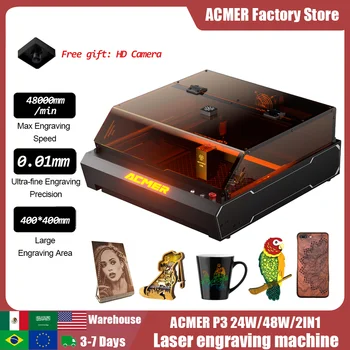
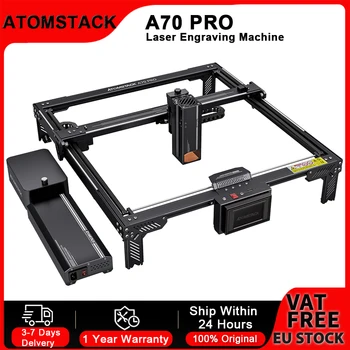

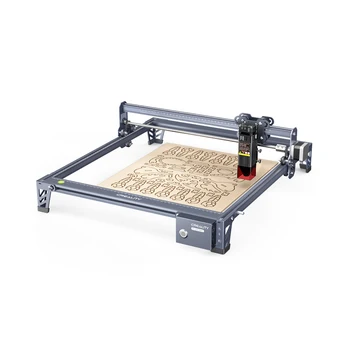
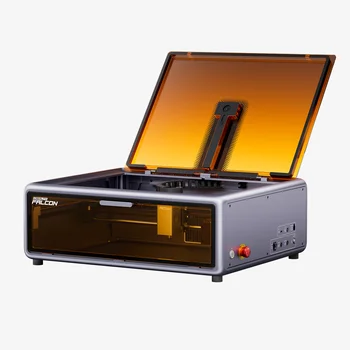
Creality Falcon A1
Diode laser engraver with 381x305mm work area and rotary support
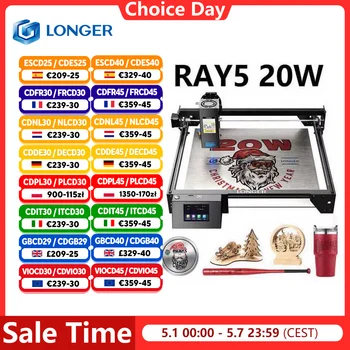
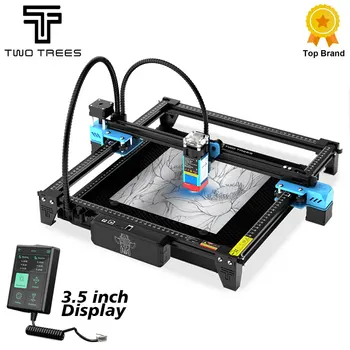
Longer Ray5 20W
Diode laser engraver with 375x375mm work area and touchscreen display
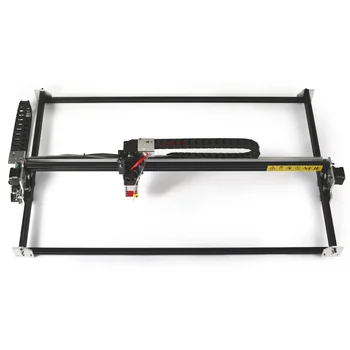
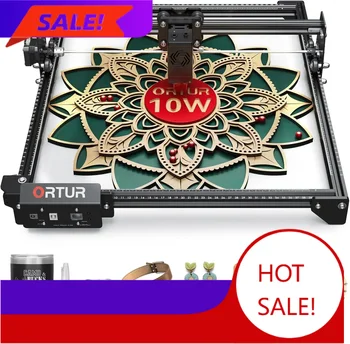
Ortur Laser Master 3
Diode laser engraver with 400x400mm work area and 32-bit controller
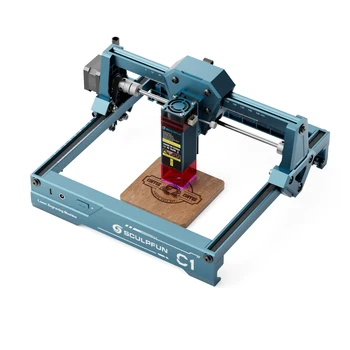
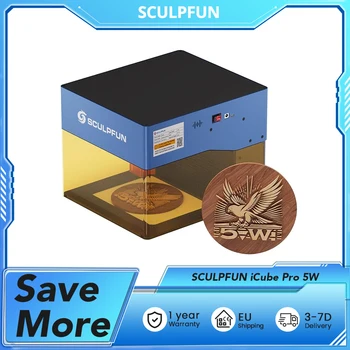
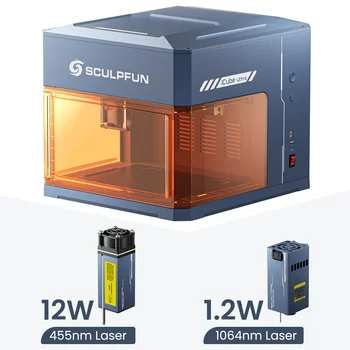
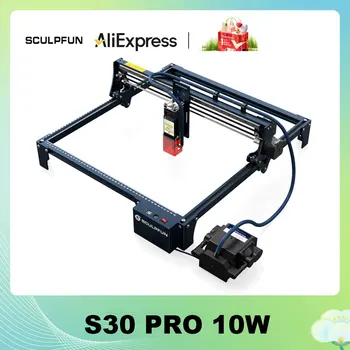
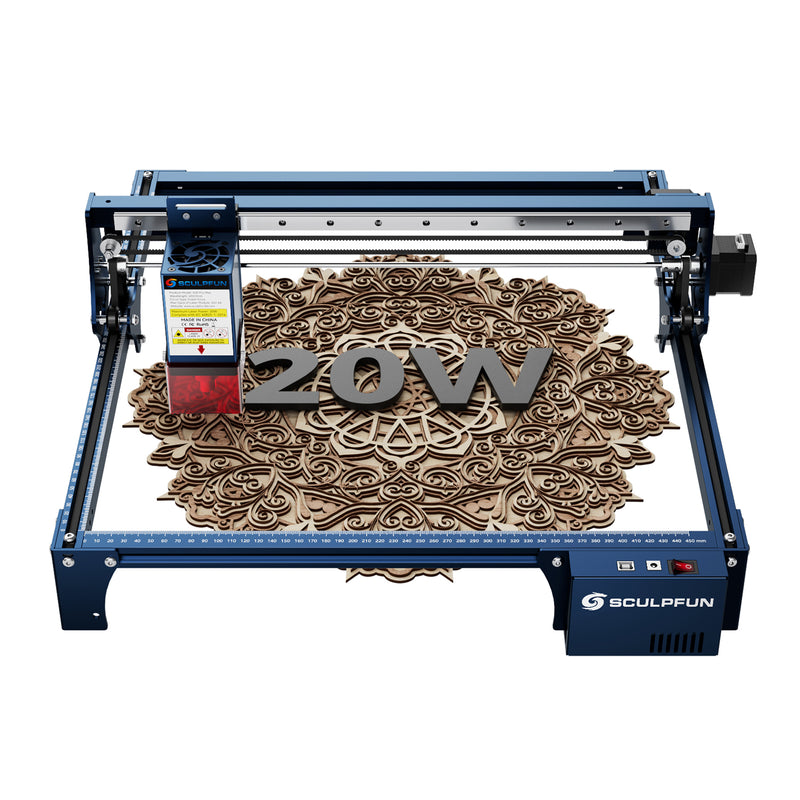
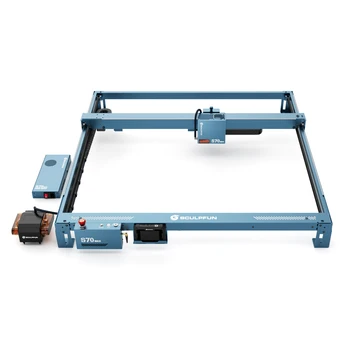
Sculpfun S30 Pro Max
20W diode laser engraver with 370x360mm work area and automatic air-assist
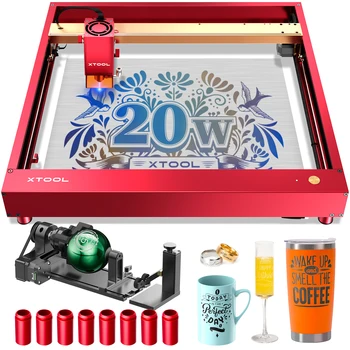
- Creality Falcon 2 Pro 40WEnclosed 40W diode laser engraver with 300x300mm work area
- OMTech K40+CO2 laser cutter with 300x200mm work area
- Ortur Laser Master 4Diode laser engraver with 400x400mm work area and high-speed capabilities
Any GRBL-based device is supported, even without a built-in profile.
Smoothieware
- Carvera AirDesktop laser engraver with Smoothieware controller and 300x200mm work area
Other Smoothieware-based devices should also be supported.
Marlin
Rayforge supports Marlin firmware via the Marlin Serial driver. Select Marlin (Serial) in the configuration wizard to connect your Marlin-based machine.
Ruida
Ruida support is experimental. For Ruida-based machines, try the Generic Ruida profile.
OctoPrint
- OctoPrintA laser connected through an OctoPrint server
Connect your laser through an OctoPrint server.
Generic Profiles
If your device isn't listed above, try one of the generic profiles — Generic GRBL, Generic Ruida, Generic Smoothieware. They work with any supported firmware and can be configured through the configuration wizard.
Missing a Device?
Rayforge uses installable device profiles — new machines can be added without updating the application itself. If you'd like to contribute a profile for your device, check the developer documentation or open an issue.