


Perforation
Not every cut is meant to free a part from the material. Some lines are there so the material can fold along them, tear apart cleanly, or show where the needle goes. That is what the Perforation post-processor is for: it turns a continuous cut into a dashed one. Instead of keeping the laser on from start to finish, it fires for the Cut Length, travels the Skip Length with the laser off, and repeats that rhythm along every contour of the workpiece. What remains is a line of small cuts that holds the material together — until you want it to give way.
Typical Uses
Whenever a line should weaken the material without cutting it free, a perforation cut is worth considering. The classics:
- Fold lines in card stock and corrugated cardboard fold crisply along a dashed cut — think boxes, cards and pop-up designs.
- Tear-off lines let tickets, coupons and packaging open without scissors.
- Stitch holes in leather mark the path of the needle before sewing.
- Dashed outlines are a decorative effect in their own right, on wood, paper and acrylic.
Enabling Perforation
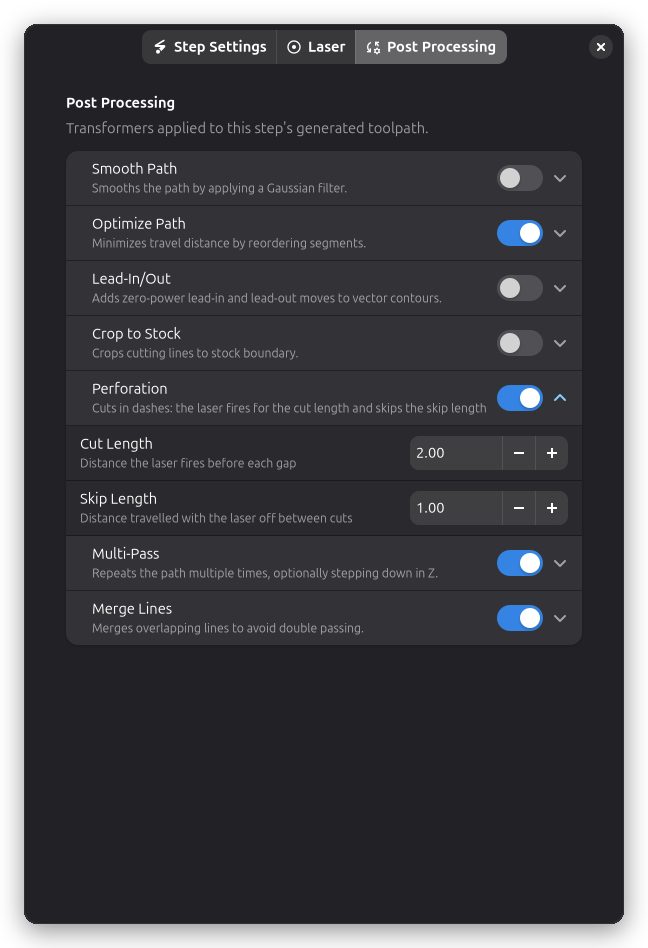
Perforation lives on the Post Processing page of a Contour step's settings, alongside the other post-processors. It is off by default — flip the switch and two values appear:
- Cut Length is how far the laser stays on before each gap.
- Skip Length is how far it travels with the laser off between two cuts.
The pattern starts at the beginning of each contour with a full cut and restarts from there on every contour, so all dashed lines on the workpiece begin the same way. A contour too short to fit even one cut and one skip is simply cut in one piece.
The Result
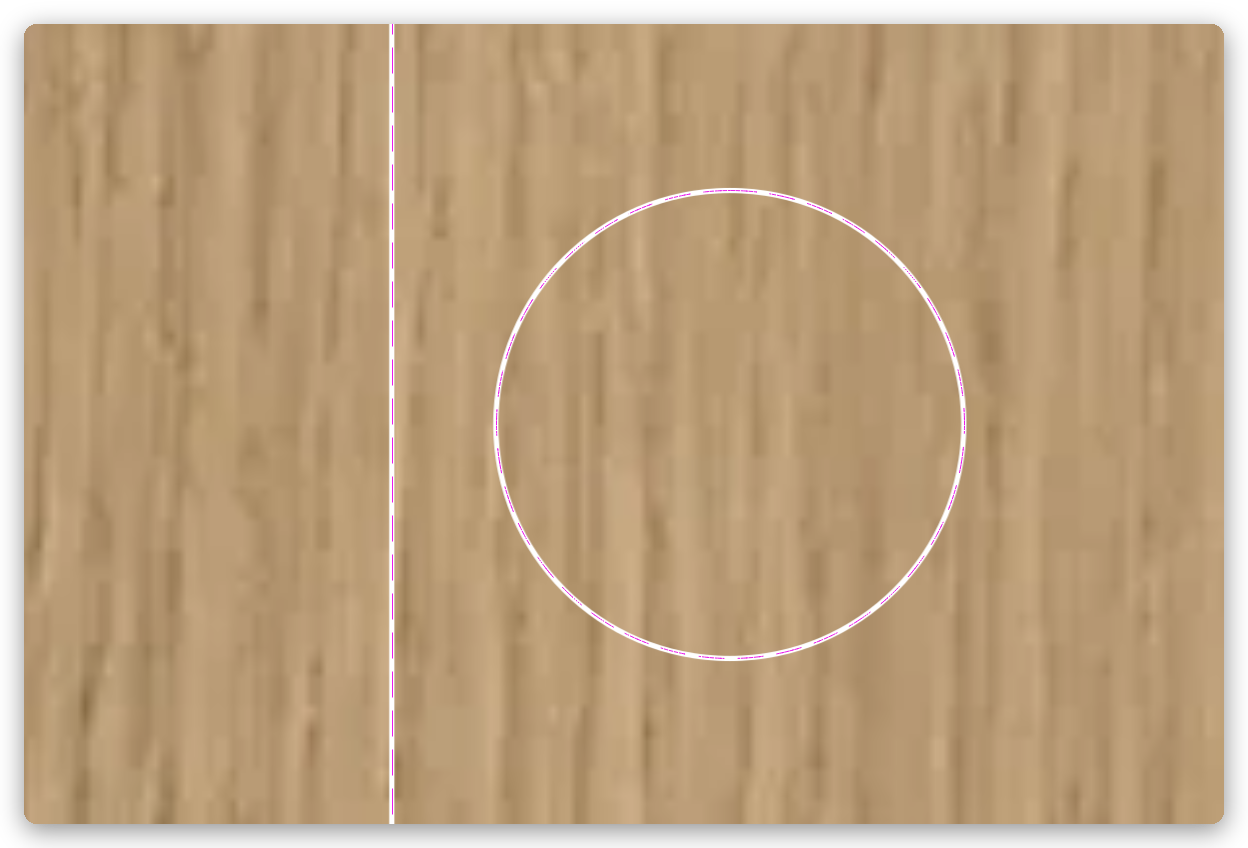
On the canvas, the dashed line replaces the solid cut outline — every gap in the toolpath is a gap in the finished part.
Tips
For a fold line that must not cut through, start with a skip length about as long as the cut length and lower the power — a shallow groove folds just as well as a deep dashed cut, and the underside stays clean.
Very short lengths (a few tenths of a millimetre) make the laser switch on and off in rapid succession, which lowers the effective power and can leave uneven marks. If the pattern looks inconsistent, try longer lengths.
Perforation plays well with the rest of the post-processing stack: Holding Tabs, Lead-In/Out and Multi-Pass all keep working as usual.
Related Pages
- Contour Cutting — the cutting operation this post-processor belongs to
- Holding Tabs — gaps placed by hand to keep parts attached