Rayforge 1.0: A First Birthday Celebration
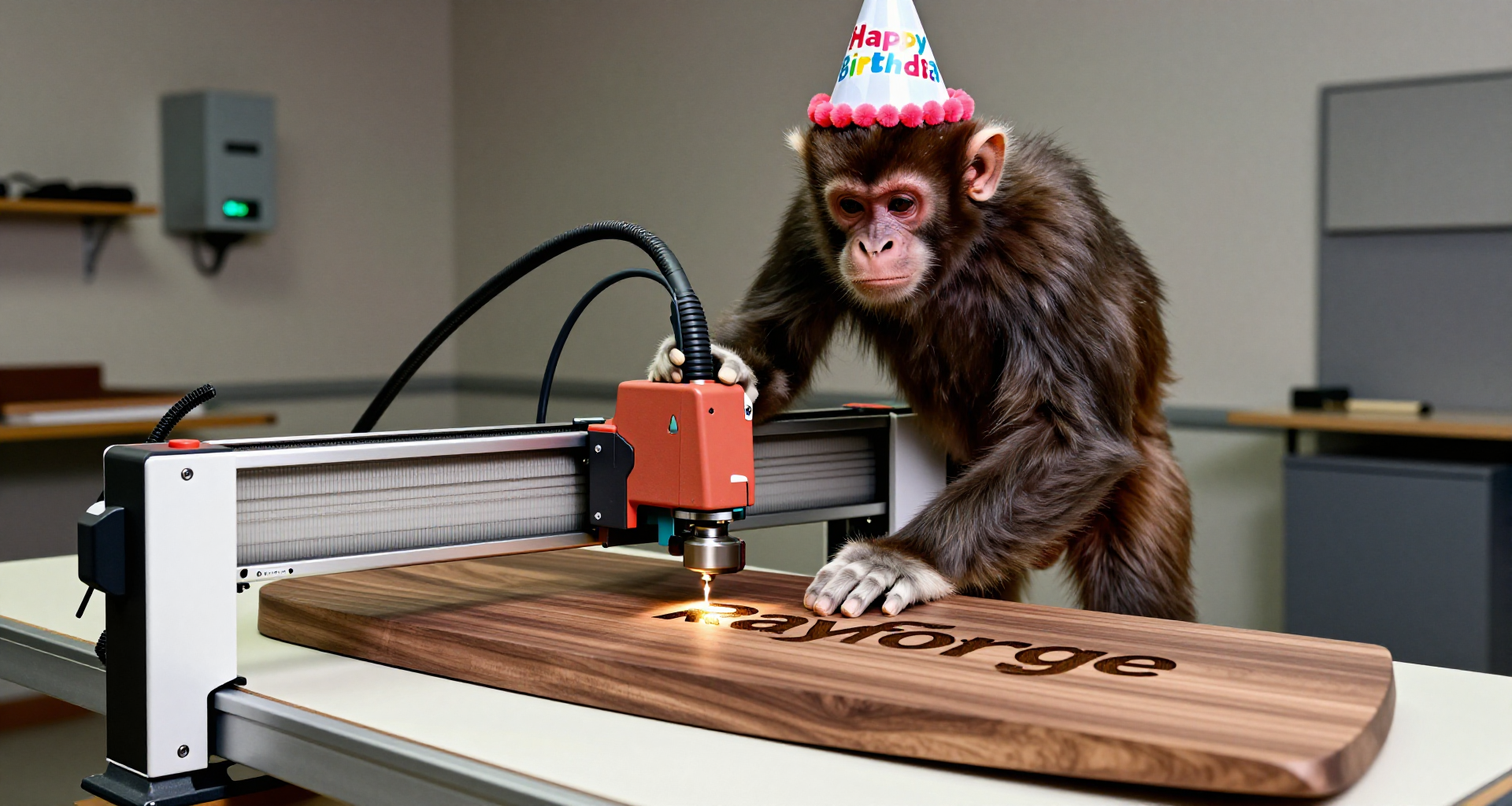
Today marks a special milestone for Rayforge - we're releasing version 1.0 exactly on the project's first birthday! What started as a single commit on February 1st, 2025, has grown into a fully-featured laser cutting and engraving platform.
The Journey So Far
Over the past year, Rayforge has evolved from a basic laser control tool into a comprehensive design and manufacturing platform. We've built everything from scratch: a parametric 2D CAD system, 3D G-code preview, multi-layer support, multi-laser support, camera alignment, work coordinate systems, and so much more.
This release represents the culmination of that vision - a stable, production- ready tool that can handle real-world laser cutting and engraving workflows.
What's New in 1.0
Project Save/Load
The most requested feature is finally here. You can now save your complete
workflows and restore them later. The .ryp (project) and .rfs (sketch) file
extensions are registered system-wide, so you can double-click your projects to
open them directly. A recent files menu provides quick access to your work.
Parametric Sketcher with Text Support
The sketcher now supports text with full constraint integration. Add text to your sketches, apply aspect ratio constraints, and control placement and sizing parametrically. This opens up a whole new world of design possibilities for laser-engraved signs, labels, and decorative elements.
Unified Bottom Panel
The jog dialog and log view have been merged into a single, unified bottom panel. This consolidation provides a cleaner workspace while keeping essential machine control and monitoring tools readily accessible. The panel features tabbed access to jog controls and log output, making it easy to switch between operations without losing screen real estate.
Other Improvements
- Bottom panel: Jog dialog and log view are now merged into a unified bottom panel
- Import dialog: Errors are now collected and displayed together
- Importers: Almost completely rewritten for better testability
- Sketcher stability: Solver now biases points for more stable dragging
- Bug fixes: Multi-layer DXF import, alignment bugs, centering issues, and more
Feature Highlights
Rayforge 1.0 includes over 60 features:
Design Tools
- 2D CAD with parametric sketching
- Geometric and dimensional constraints
- Text support in sketches
- Multi-layer support
Manufacturing
- 2.5D operations (contour, raster, depth engraving)
- Multi-laser support
- Work Coordinate Systems (G54-G59)
- Path optimization and smoothing
- Holding tabs with auto-placement
Import/Export
- SVG, DXF, PDF, JPEG, PNG, BMP, Ruida file support
- Vector tracing with multiple algorithms
- Image preprocessing (denoising, invert, threshold)
Machine Control
- Multi-machine profiles
- Firmware settings for GRBL, Smoothieware, Marlin
- G-code macros and hooks
- Variable substitution
- Terminal console with live status
Visualization
- 3D G-code preview with full simulation
- Camera alignment
- Dark and light themes
- Multi-language support
A Look Back
The first commit was made on February 1st, 2025, at 19:37:27. It was a simple "initial import" with basic SVG rendering support. Since then, we've:
- Released 28 versions (0.13 through 0.28, plus 1.0)
- Added over 60 features
- Fixed hundreds of bugs
- Built a community of users and contributors
- Created installers for Windows, Linux (deb, snap, flatpak), and macOS
What's Next?
Version 1.0 is a milestone, not a destination. The roadmap ahead includes:
- Enhanced vector tools and editing capabilities
- Broader hardware support
- Performance optimizations for large projects
- More machine profiles and dialects
- Community-driven package ecosystem
Download Rayforge 1.0
Get the latest version from our website: https://rayforge.org/
Installers are available for:
- Windows (installer)
- Linux (deb, snap, flatpak)
- macOS (dmg)
Join the Community
- GitHub: https://github.com/barebaric/rayforge
- Discord: https://discord.gg/sTHNdTtpQJ
- Patreon: https://www.patreon.com/c/knipknap
Thank you to everyone who has contributed, tested, reported bugs, or simply used Rayforge over this past year. Here's to another year of building the future of open-source manufacturing!
Happy first birthday, Rayforge! 🎂