


Machines
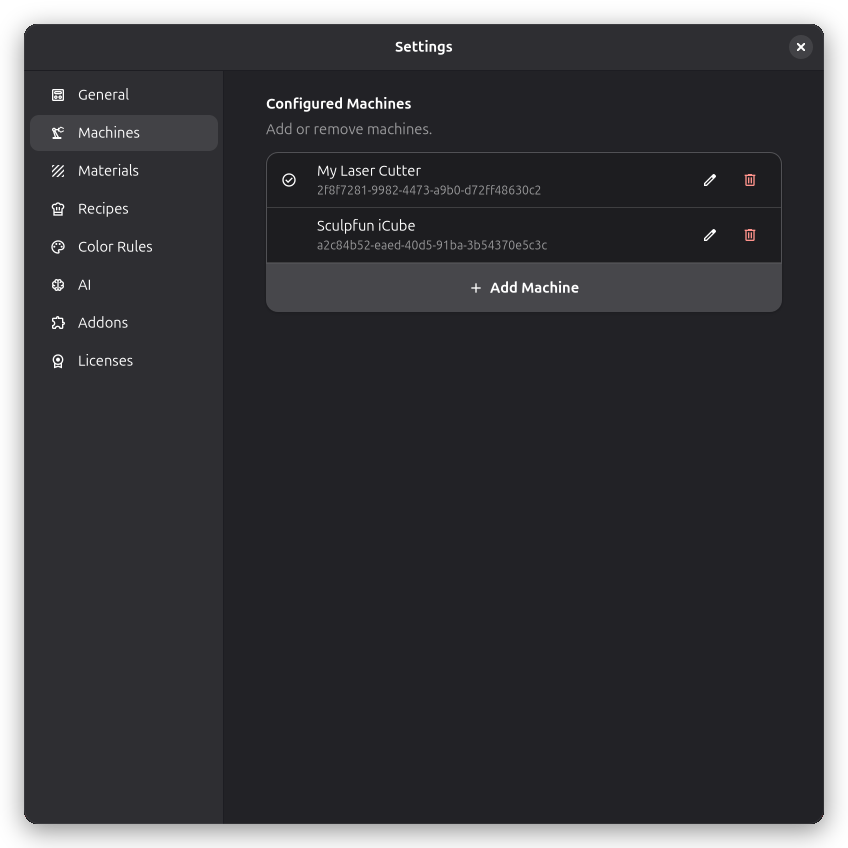
The Machines page in Application Settings shows a list of all configured machines. Each entry shows the machine name and has buttons to edit or delete it. The currently active machine is marked with a check icon.
Adding a Machine
- Click the Add Machine button at the bottom of the list
- Select a device profile from the list to use as a template — each profile pre-configures the machine settings and G-code dialect
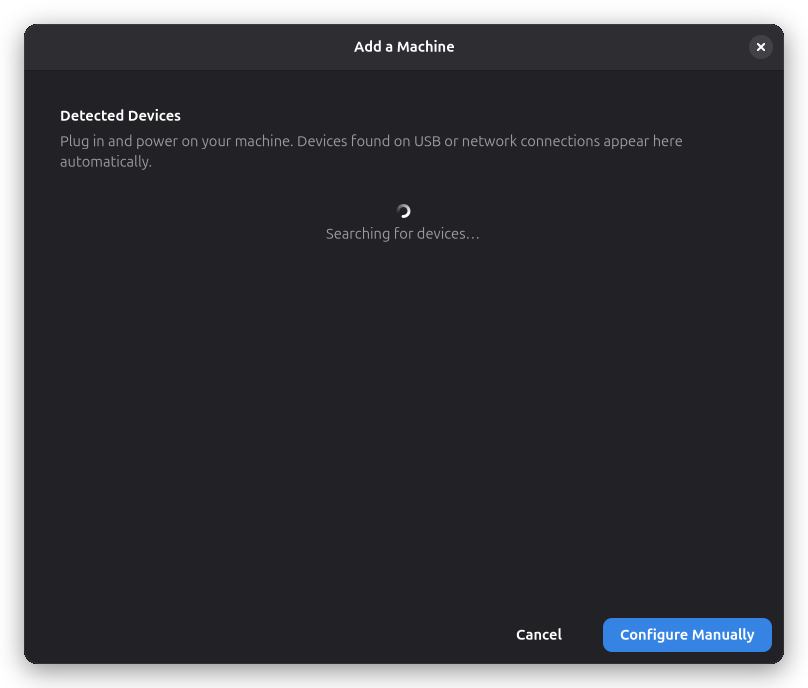
- The machine settings dialog opens where you can adjust the configuration
Alternatively:
- Click Device Not Listed to launch the Configuration Wizard, which walks you through configuring a machine step by step
- Click Import from File… to add a machine from a previously exported profile or from a LightBurn device profile (.lbdev). LightBurn profiles include camera calibration and laser settings that are applied to the new machine
Editing a Machine
Click the edit icon next to a machine to open the machine settings dialog.
Machine Notes
The Notes category, directly after General, brings together guidance supplied by the device
profile and your own notes for that machine. Device notes are read-only; My Notes can be edited
with Markdown. Supported syntax includes headings, paragraphs, bold, italic, lists, links, inline
code, fenced code blocks, and expandable :::details sections.
When a profile includes setup guidance, it also appears on the wizard's final Review & Name page and remains available under Machine Settings → Notes after the machine is created. Personal notes are saved per machine and are not replaced when reviewing profile updates.
Switching the Active Machine
Use the machine dropdown in the main window header to switch between configured machines. The selection is remembered between sessions.
Deleting a Machine
- Click the delete icon next to the machine
- Confirm the deletion
Deleting a machine cannot be undone. Export the profile first if you want to preserve the configuration.