


raygeo.barcode.geometry
Barcode geometry rendering.
Turns encoded modules into closed outlines in millimetres, merges dark modules into polygons with holes, adds optional human-readable text and renders the inverted variant. The result is suitable both as a fill and as a contour.
BarcodeStyle
How a barcode symbol is drawn.
bar_height_mm
bar_height_mm: float
Height of the bars, in millimetres.
invert
invert: bool
Whether to draw a light code on a dark quiet-zone border.
module_mm
module_mm: float
Width of the narrowest bar, or one QR module, in millimetres.
quiet_zone
quiet_zone: Optional[int]
Quiet zone in modules; None uses the symbology minimum.
show_text
show_text: bool
Whether to draw the human-readable text under a 1D code.
Functions
to_geometry()
to_geometry(encoded: barcode.Encoded, style: BarcodeStyle) -> geo.Geometry
Renders an encoded symbol as closed outlines in millimetres.
| Parameter | Type | Description |
|---|---|---|
encoded | barcode.Encoded | |
style | BarcodeStyle | |
| Returns | geo.Geometry |
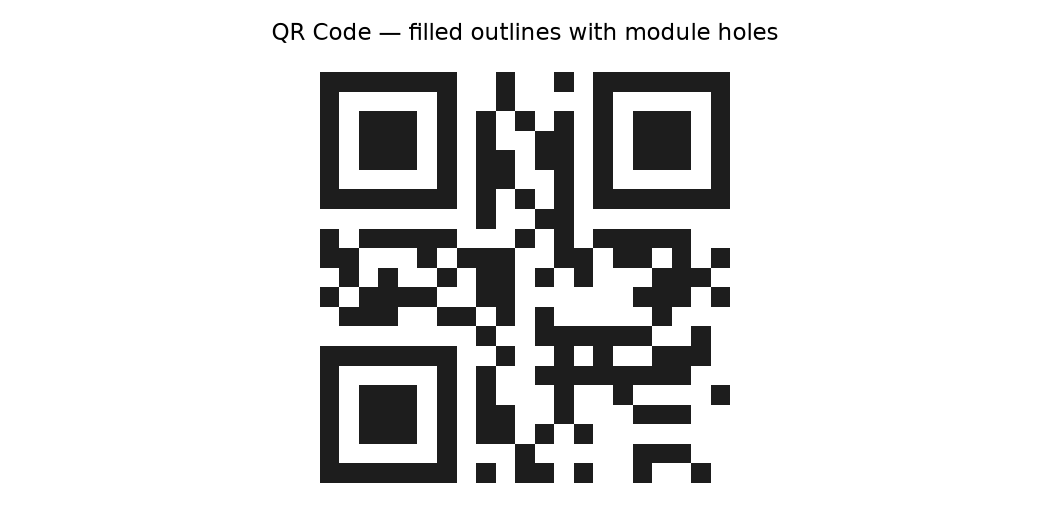
A QR code as closed outlines with holes, ready for filling
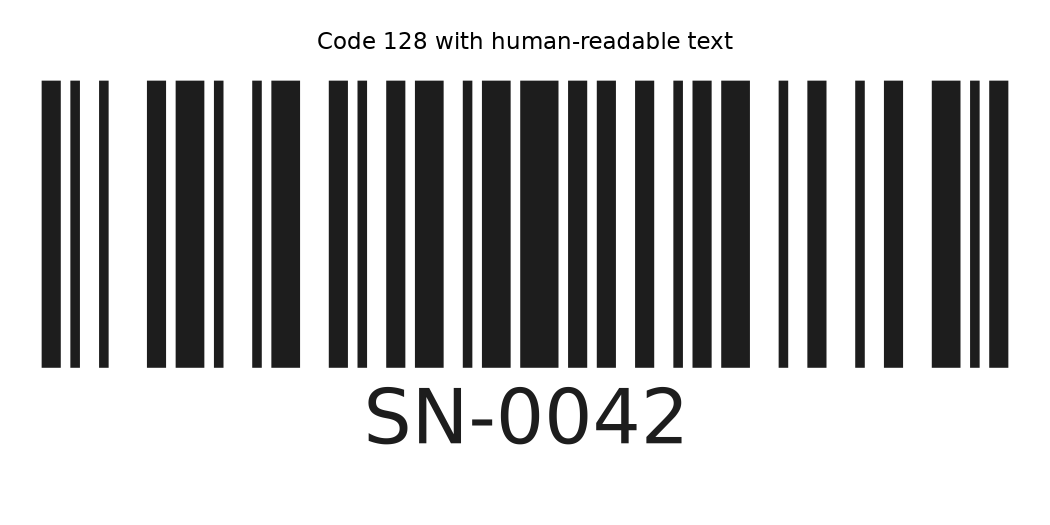
Code 128 with human-readable text below the bars
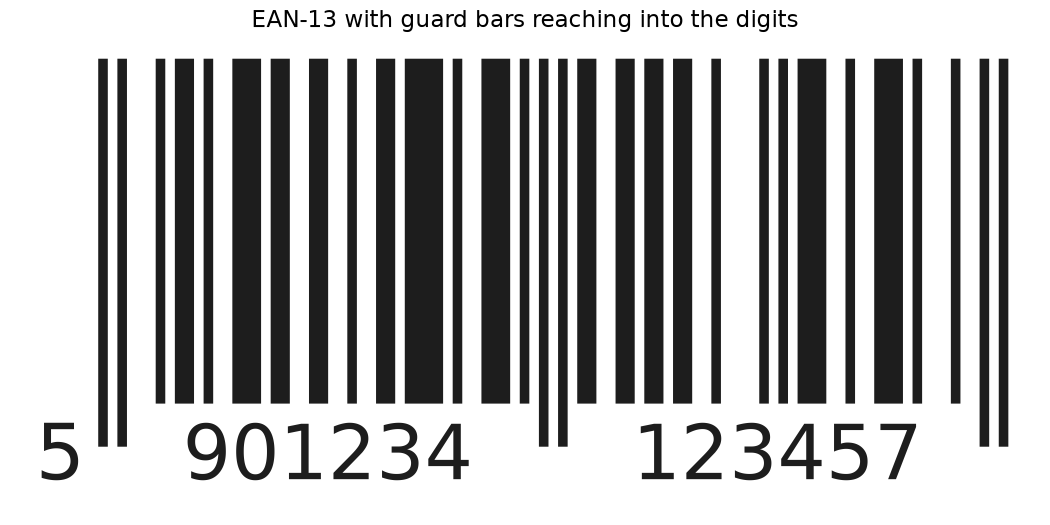
EAN-13 with its usual digit layout and extended guard bars
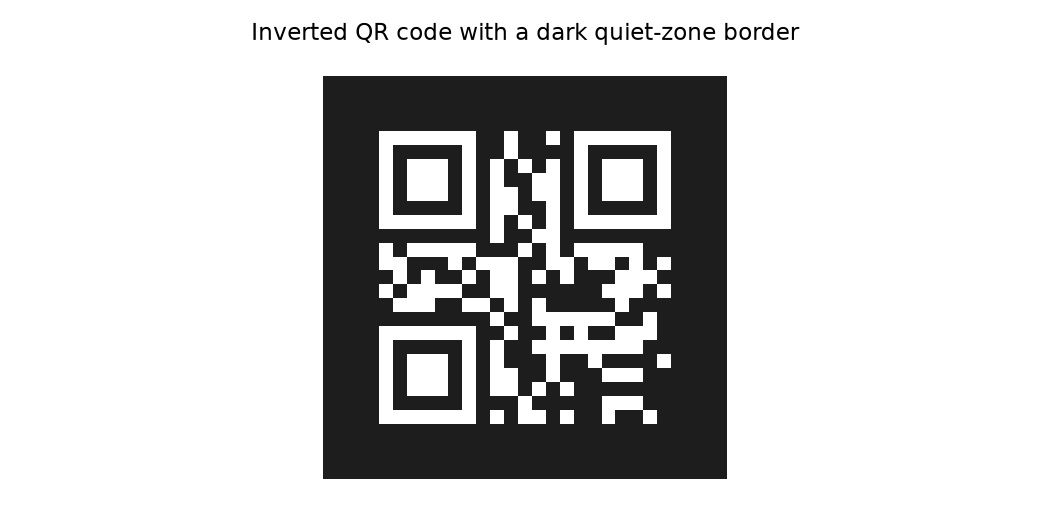
An inverted QR code with a dark quiet-zone border